Openers · Virgil
Smart Garage Controller Setup in Virgil
A contractor is coming to work in the garage on Thursday while you are away.
In plain words
By the end of the visit your phone shows the door's true state, updates within a few seconds of any movement, and keeps a history of every open and close with the time, and the user when the command came from a signed-in app or virtual key. You can open the door for a delivery from the office, let a relative in for the weekend, and get a nudge if the door is still up at bedtime. Your remotes, keypad and wall button carry on exactly as before. And you understand the system well enough to add a user, change an alert or swap the sensor battery without calling anyone.
How the visit goesA smart hub arrived in the mail with a coin-cell sensor and two wires. The instructions ask what colour your learn button is and how old the opener is. Yours is over a decade old and the button colour is not on their chart.
Smart Garage Controller Setup
How the visit goes
Reading the label on the opener
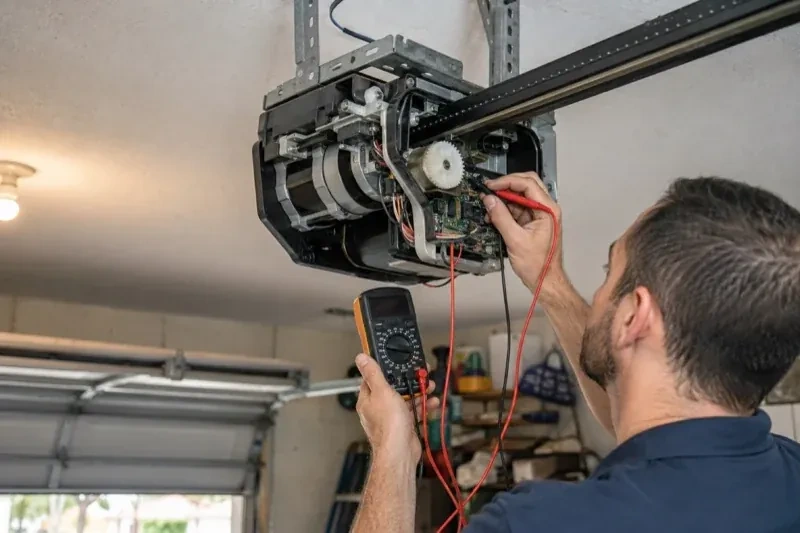
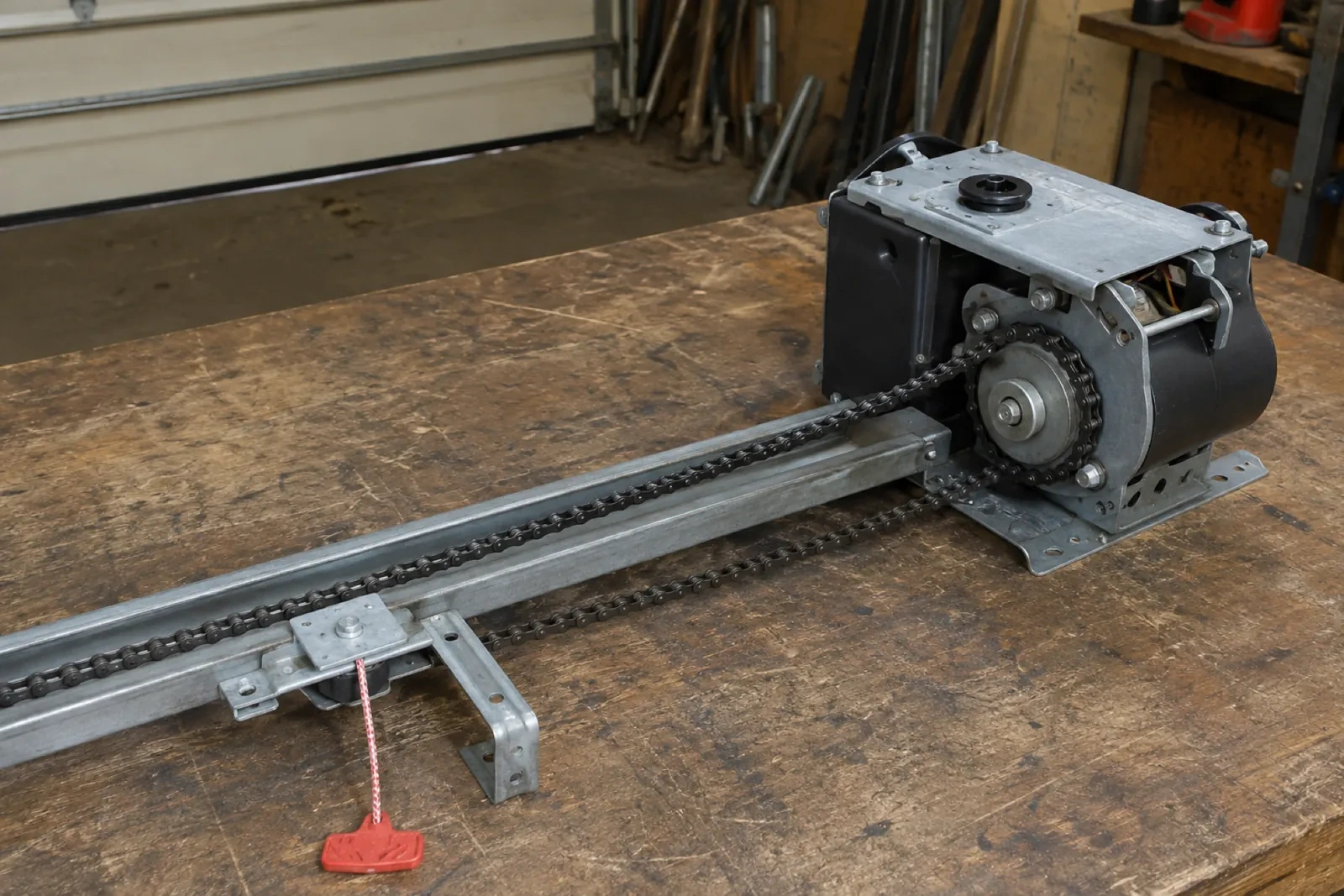
The first thing checked is the small label on the head unit, because everything else depends on it. Brand, model number and date of manufacture tell the technician which family the opener belongs to and which controllers list it as supported. The learn button, usually under the light cover, is checked for colour, since on many makes it marks the radio-coding generation and decides whether a hub can be wired to the wall-control terminals or must pair by radio. The wall console is looked at too: a console with a digital display often means an encrypted connection that needs a different hookup. A photo of the label sent ahead lets this step happen before the van leaves.
Joining the home network properly
The hub is joined to the network on the 2.4 GHz band and to the exact network name the household uses every day, not a guest network that might later be switched off. The technician checks that the router's security is a modern type the hub supports and that the signal at the hub's final position is comfortably above the minimum. Where an extender or access point was planned, it goes in first so the hub joins a strong signal from the start. After the join, the hub's firmware update is allowed to finish, and the device is power-cycled once to prove it reconnects on its own without anyone touching it.
Alerts that earn their place
You leave with a small set of notifications chosen on purpose rather than every option switched on. A left-open reminder after a set delay, a note when the door opens during hours nobody should be using it, and a message when a scheduled close has completed are the ones most households keep. If the alerts become noise, adjust the delays or turn one off rather than muting the app entirely, because a silenced app is the one that stays quiet on the night the door is up. The settings screen you were shown is where each of these lives, and changes take effect at once.
Smart Garage Controller Setup
In the van
Low-voltage bell wire
Cable clips and insulated staples
Lithium coin cell or cylindrical cells
Wi-Fi access point or extender
Plug-in power adapter
Smart Garage Controller Setup
What affects the quote
Taking over an existing device
Releasing a controller from a previous owner's account, resetting it and pairing it fresh takes time that a new device does not, and its sensor may need a battery or repositioning.
Distance to your address
Every visit includes the drive. A home a few streets from the shop and a property well outside town are different trips, and that shows in the quote.
Detached garage
A garage separate from the house often means both a signal problem and a longer walk for wiring and testing, and the quote reflects both.
What to have ready
- Which email address should the account be created under?
- What brand and model is your opener, and roughly how old is it?
- What colour is the learn button under the opener's light cover?
Smart Garage Controller Setup: questions
QuestionsWhere does the door sensor go, and what does it do?
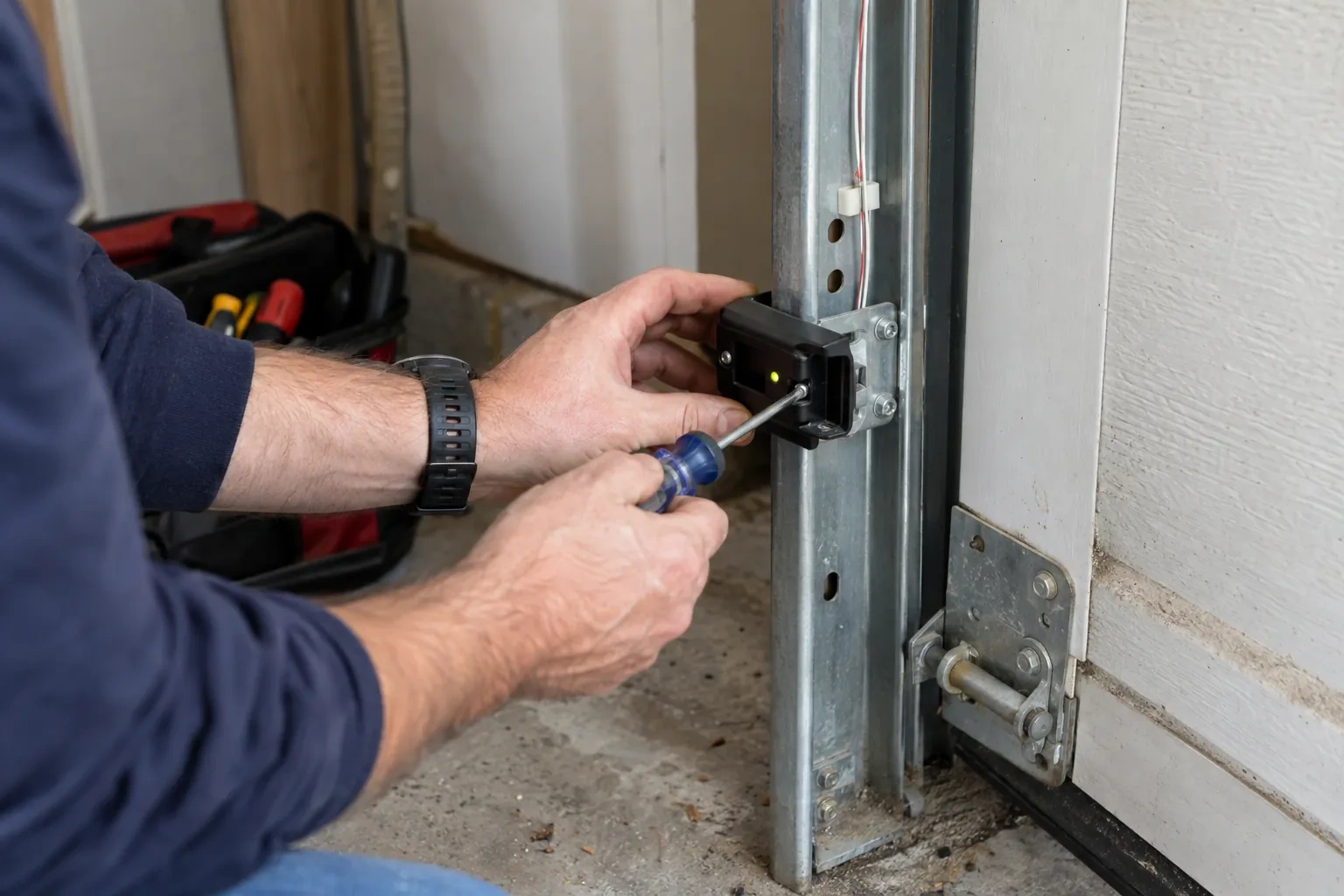
It screws to the inside of the top door section and senses tilt: that panel stands vertical when the door is closed and lies horizontal once the door is open, and the sensor reports the change to the hub by short-range radio. It is placed clear of the opener arm, lock bar and handles, on a flat part of the panel, then paired and proven through full cycles under the maker's own setup procedure so the status in the app is reliable.
Will I get an alert if the door is left open?
That is one of the first settings made. You choose how long the door can stay open before you hear about it, often ten or fifteen minutes, and the notification goes to every phone on the account or only to some. In a climate with real winters this single alert saves a good deal of heat, and occasionally a pipe in the wall shared with the house.
Will my existing remotes and keypad still work?
Yes. The controller adds a new way to give the opener the same command; it sits alongside the ones you already have. Wall console, remotes and outdoor keypad keep working exactly as before, and each is tested at the end of the visit. If a remote has been failing for reasons of its own, a flat battery or a worn button, that is a separate small fix the technician can do while there.
Related services
- Chain-Drive Opener RepairThe motor runs, you can hear it working, but the door never moves.
- Belt-Drive Opener RepairThere is a new squeal from the front of the rail, up near the header, on every cycle.
- Garage Door Opener ReplacementThe remotes only work from the end of the driveway now, and one of them disappeared with a set of keys last month.